Live QR menu exampleCoffee Hub

A QR menu guests open themselves

Menu, recommendations, ordering and payment — on the guest’s phone. Data stays in sync with iiko or Poster.

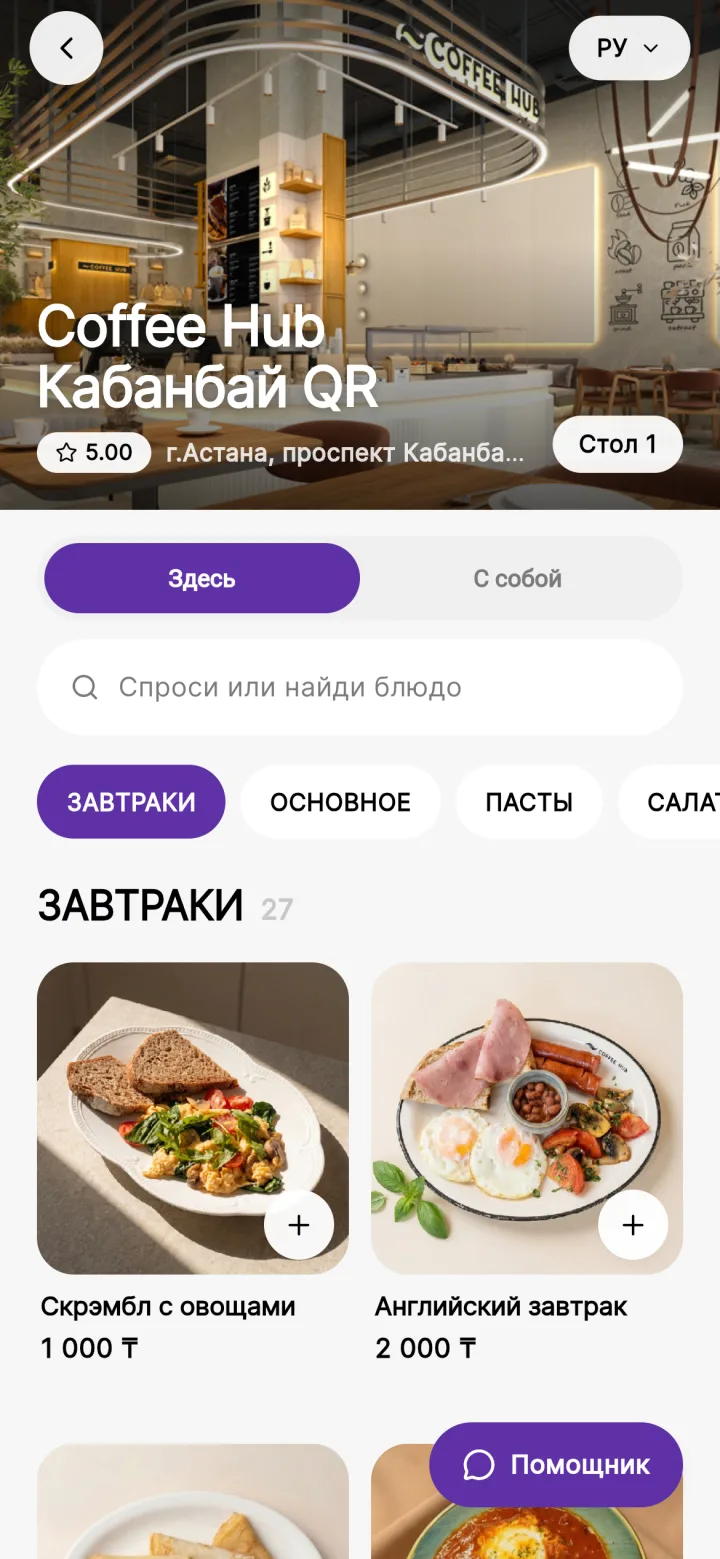
Branded Coffee Hub QR menu
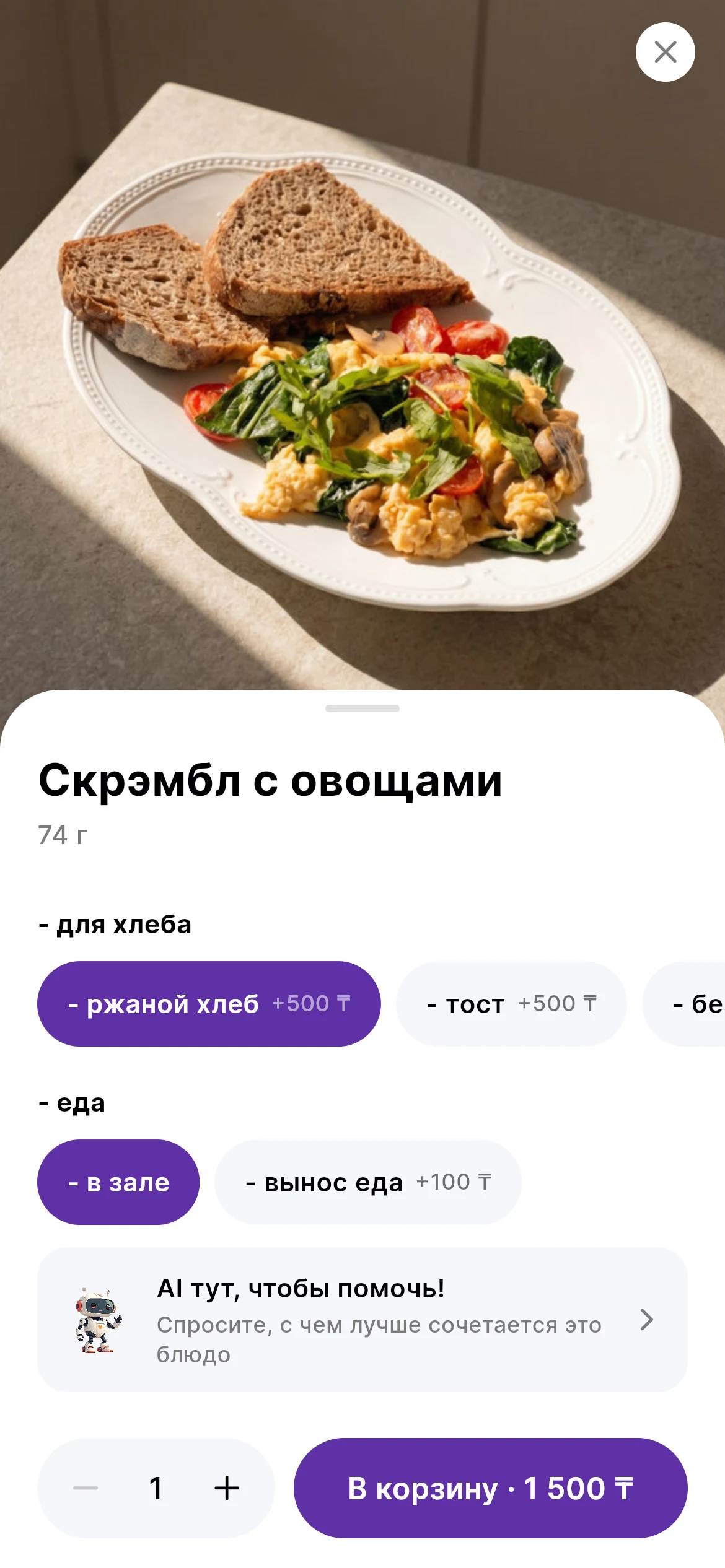
Dish details with modifier selection

Live QR menu example · Coffee Hub

Product details

What it solves and how it works

Guest interface for ordering at the table with up-to-date data from iiko or Poster and upsell scenarios.

What it solves

  • The waiter does not have time to quickly take the order during peak hours.
  • The guest waits for the menu, ingredient details or allergen information.
  • Upsells depend on the experience of a particular employee.
  • Paying and asking for the bill puts the guest back in line for staff attention.

Business outcome

  • Faster order taking in the dining room.
  • An up-to-date menu without replacing printed copies.
  • Standardized recommendations and upsells.

Key capabilities

  • The AI waiter answers questions about ingredients, taste, allergens and pairings.

  • Recommendations, combos and upsells in the dish card and in the cart.

  • Up-to-date stop lists, prices and promotions from iiko or Poster.

  • Online payment: Kaspi, Apple Pay, Google Pay.

How it works

  1. QR opens a menu with categories, search and cart.

  2. The AI assistant answers questions about ingredients and helps the guest choose a dish.

  3. Ordering and payment take place in the guest interface.

  4. The order is sent to iiko or Poster and then into the kitchen workflow.

Next step

Get the AI Lillu presentation for your team

See the products, restaurant use cases, rollout scenarios and launch options for one venue or an entire chain.